Check before you travel Check before you travel
Check the AT website or AT Mobile app before you travel to see when your bus, train or ferry is arriving and if there are any delays, detours or cancellations.
Public transport services can be changed or disrupted at short notice for all kinds of reasons, including weather, events, traffic congestion or breakdowns. The website and AT Mobile app let you check the status of your bus, train or ferry before you travel, and get important real time alerts.
There are several AT Mobile features that can help you manage your journey:
Live Departures
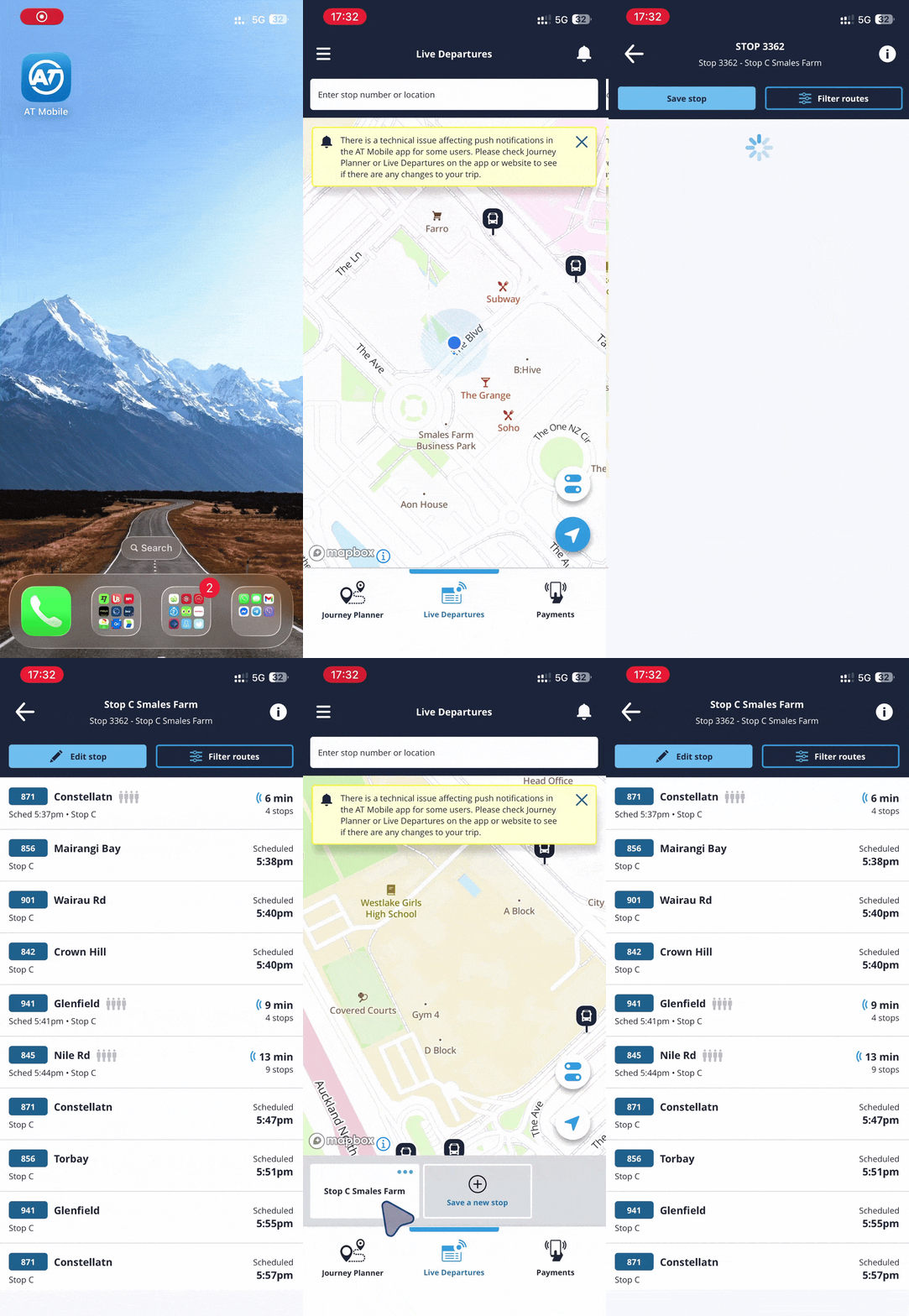
Live Departures shows you when the next bus, train or ferry will depart from a stop or station, how many minutes away it is and if any trips have been cancelled.
You can see the live location on a map and click on the stop or station to see when the services will arrive and if there are any cancellations. If there are any important messages about that stop, they will show on this screen.
- Tap 'Live Departures' at the bottom of the screen
- Find your bus stop, train or ferry wharf on the map or use the search bar to look up the name or stop number
- Click 'Save stop' to save it at the bottom of the screen for easy access next time.
Don't have the app? You can also check Live Departures on the homepage of https://at.govt.nz/
Journey Planner
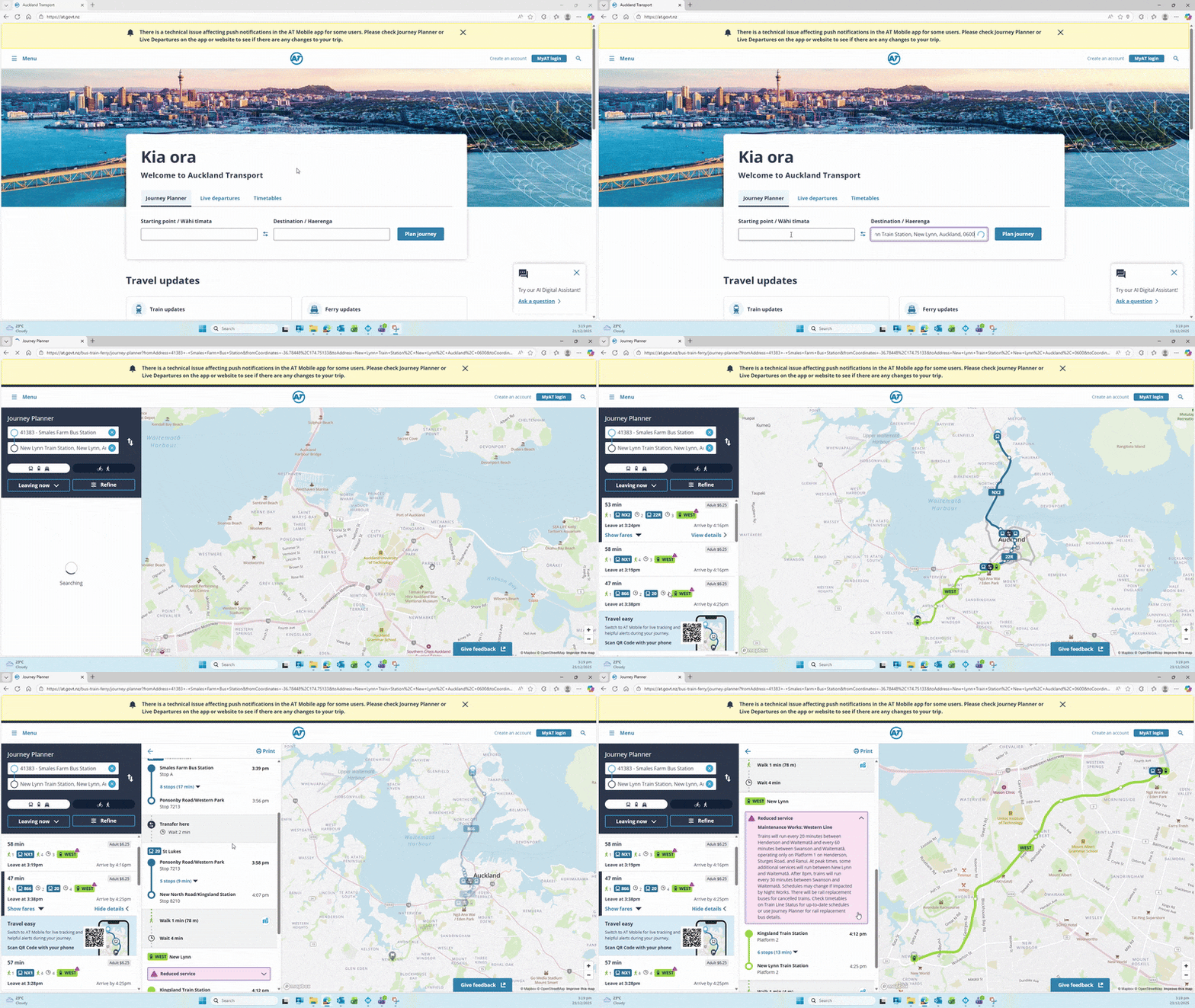
Journey Planner will search and recommend the best route to get from one destination to another on any mode of transport. If there is anything different about your journey (for example, trains running reduced services, a detoured bus or changed ferry wharf), a pink ‘alert’ symbol will show in the search results.
When you click into the result, the changed/disrupted part of the journey will have a pink box explaining what is different. You can tap/click on the box for more detailed information.
If a bus is detoured (for example because there is road works on the bus route), Journey Planner will show you the nearest recommended route to take, including alternative bus stops nearby.
Train Line and Ferry Status
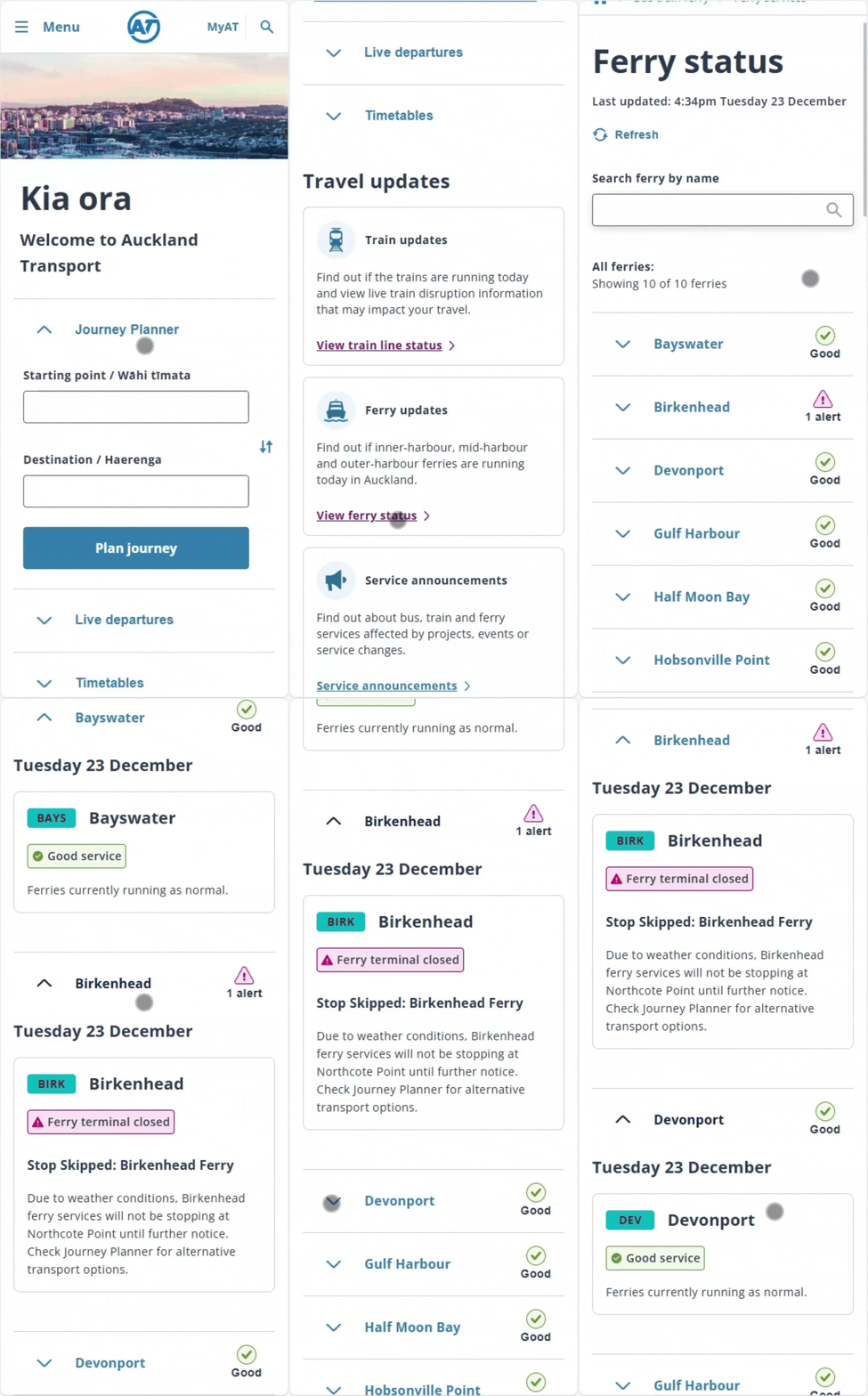
As services can change at short notice, Train Line Status and Ferry Status are quick ways to check if there are any important updates.
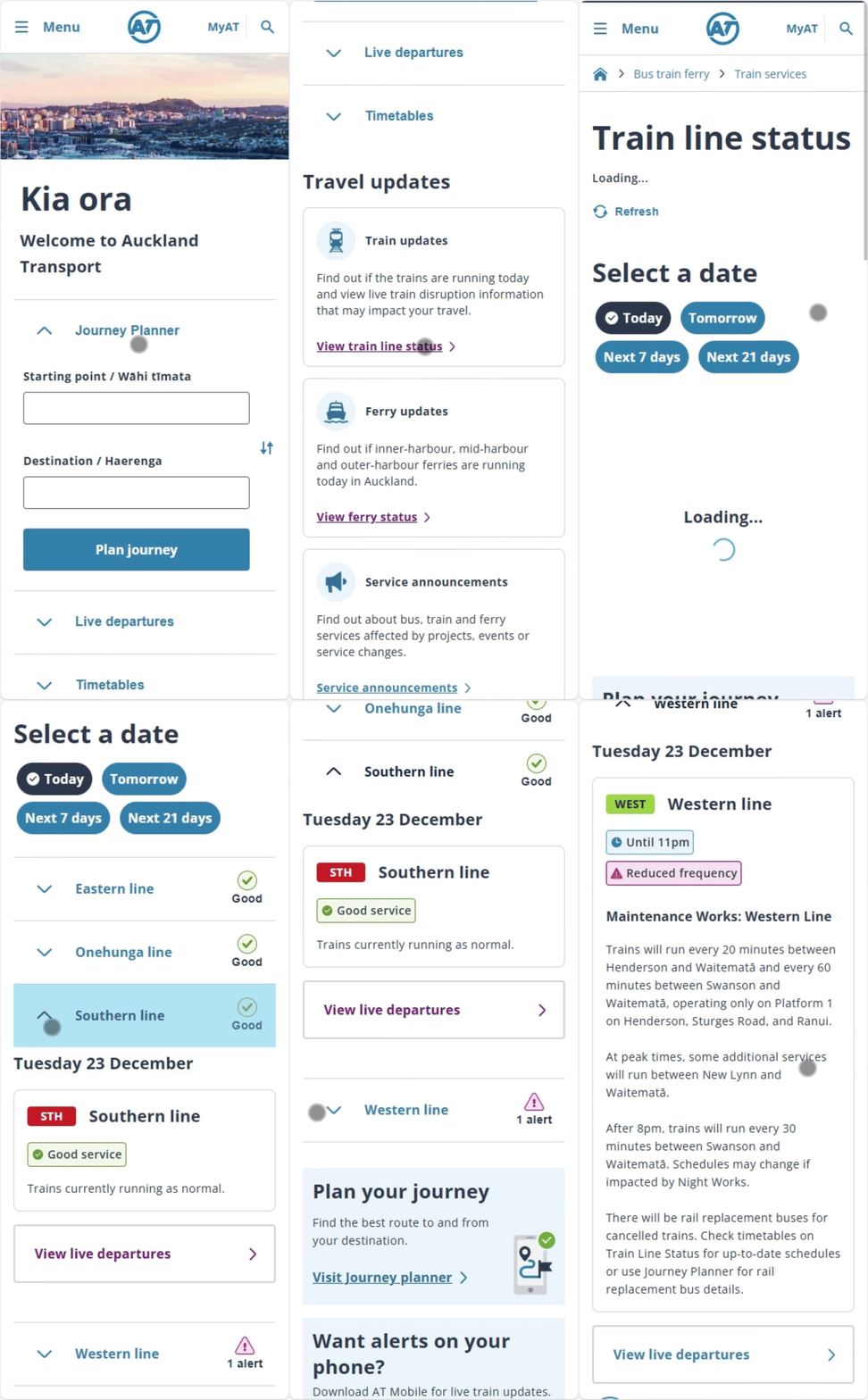
If there is a change to your journey it will show next to the route and you can tap to expand it for details, otherwise the status will show as ‘good.’ You can also see any upcoming changes such as planned maintenance works or events that may change your journey in future.
Train Line Status
Ferry Status